START HERE
HOW IT WORKS
Build your station, set up your studio, and broadcast live to anyone tuning in.
STEP 01
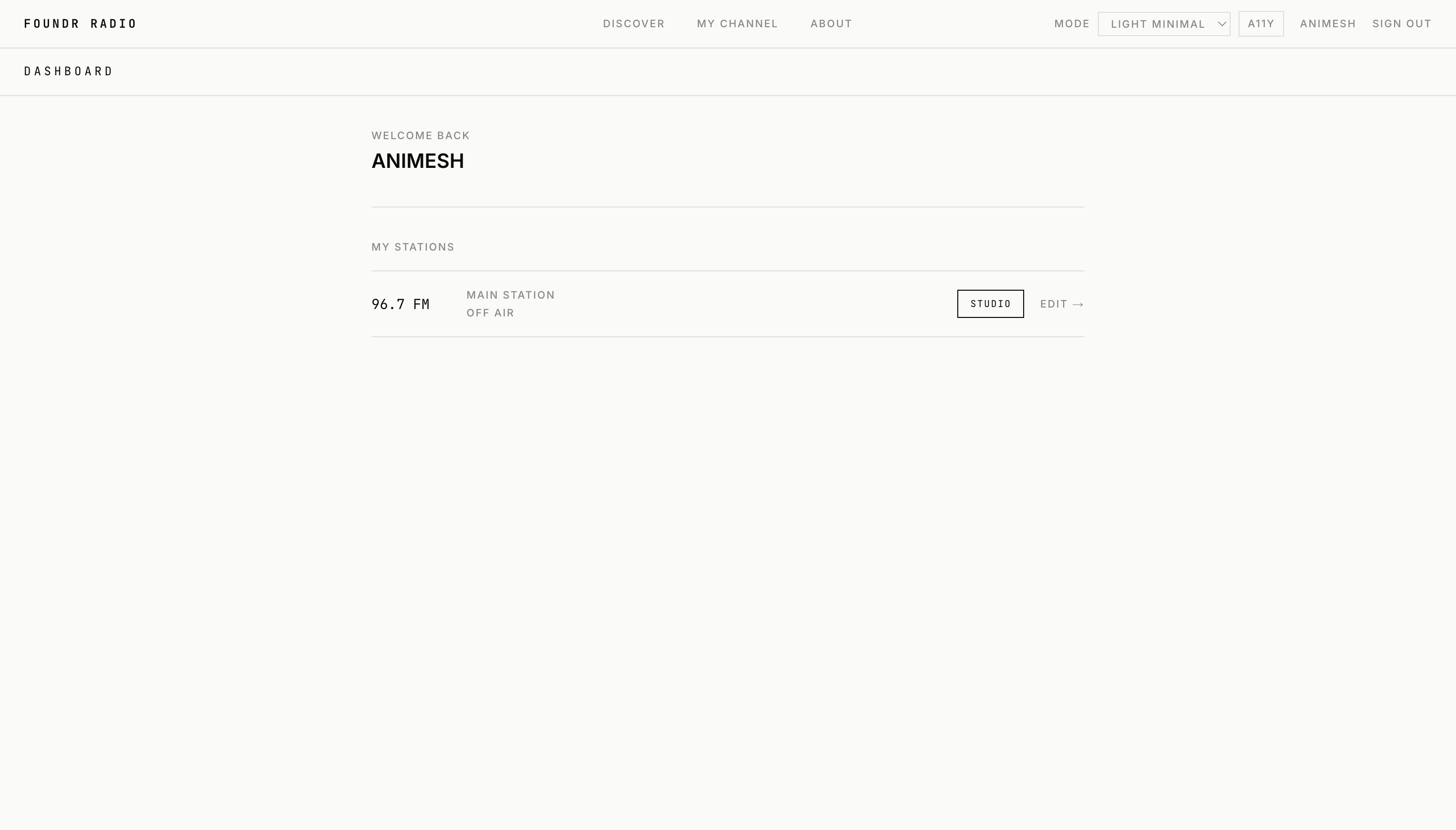
Create your account
Sign up, then open My Channel from the navbar. Select Edit to customize your channel name and station details.
STEP 02
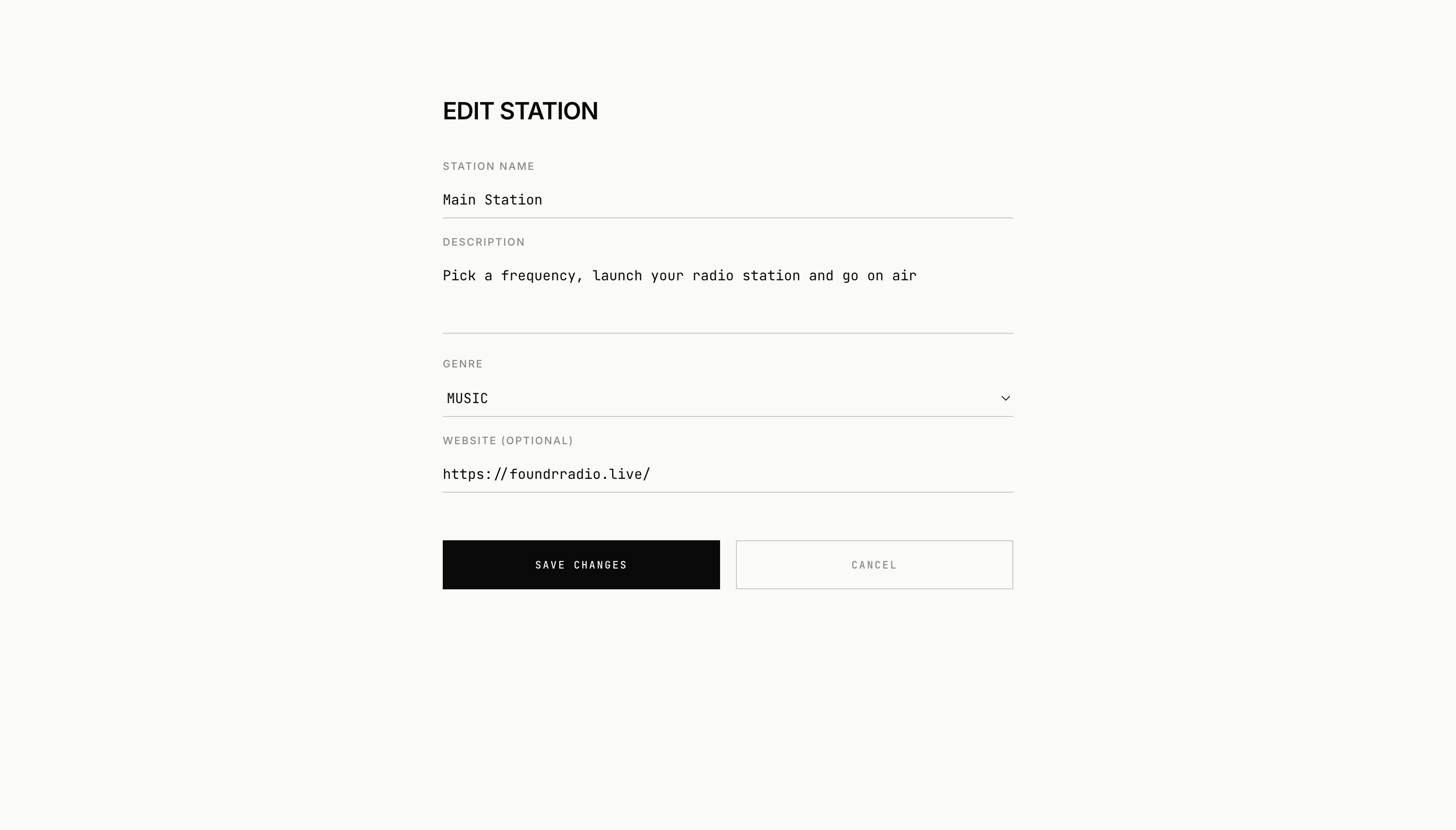
Shape your station
Enter the details for your radio station and anything else you want listeners to see on your public channel page.
STEP 03
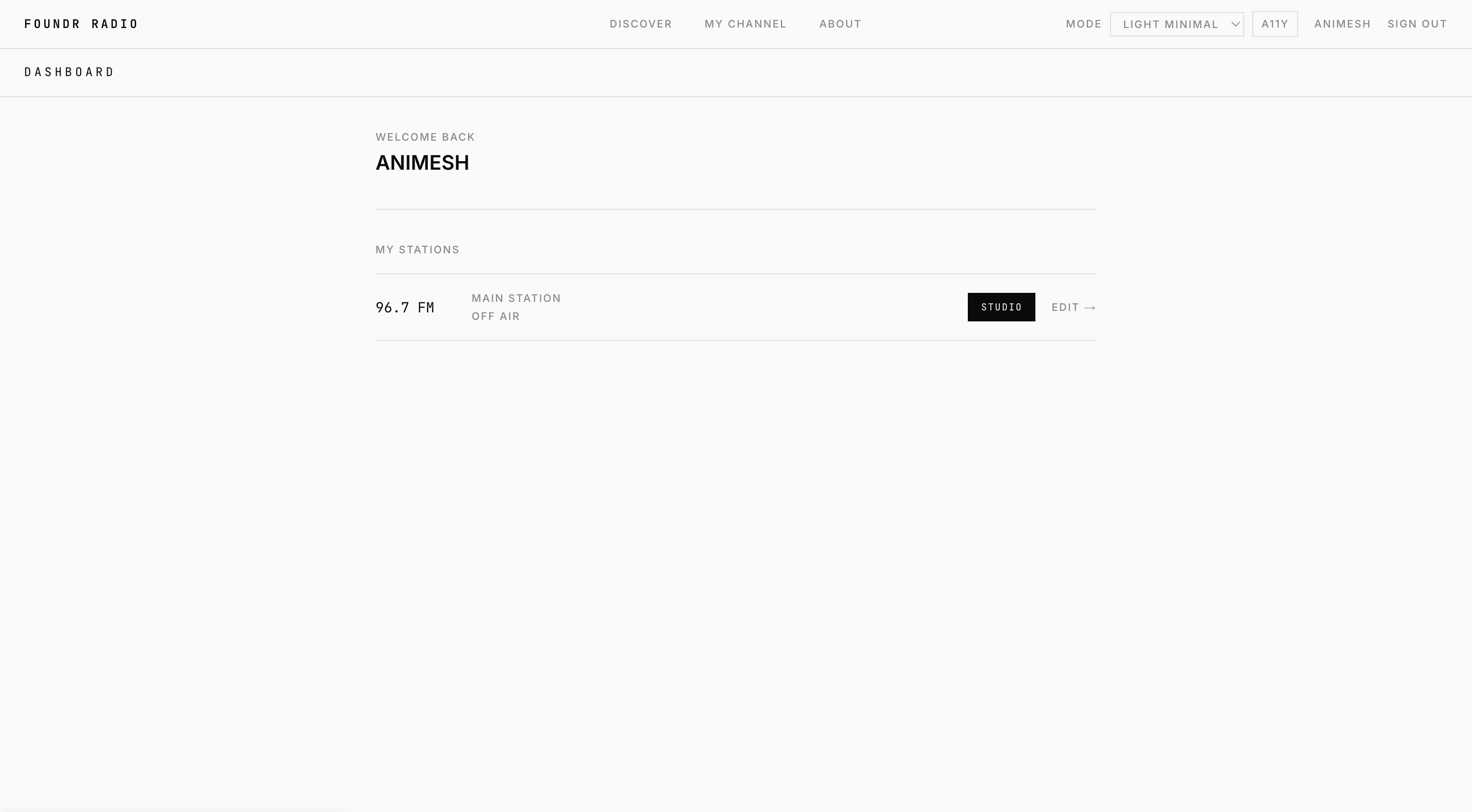
Open the studio
Return to My Channel and select Studio to open your broadcast controls.
STEP 04
Set up your broadcast
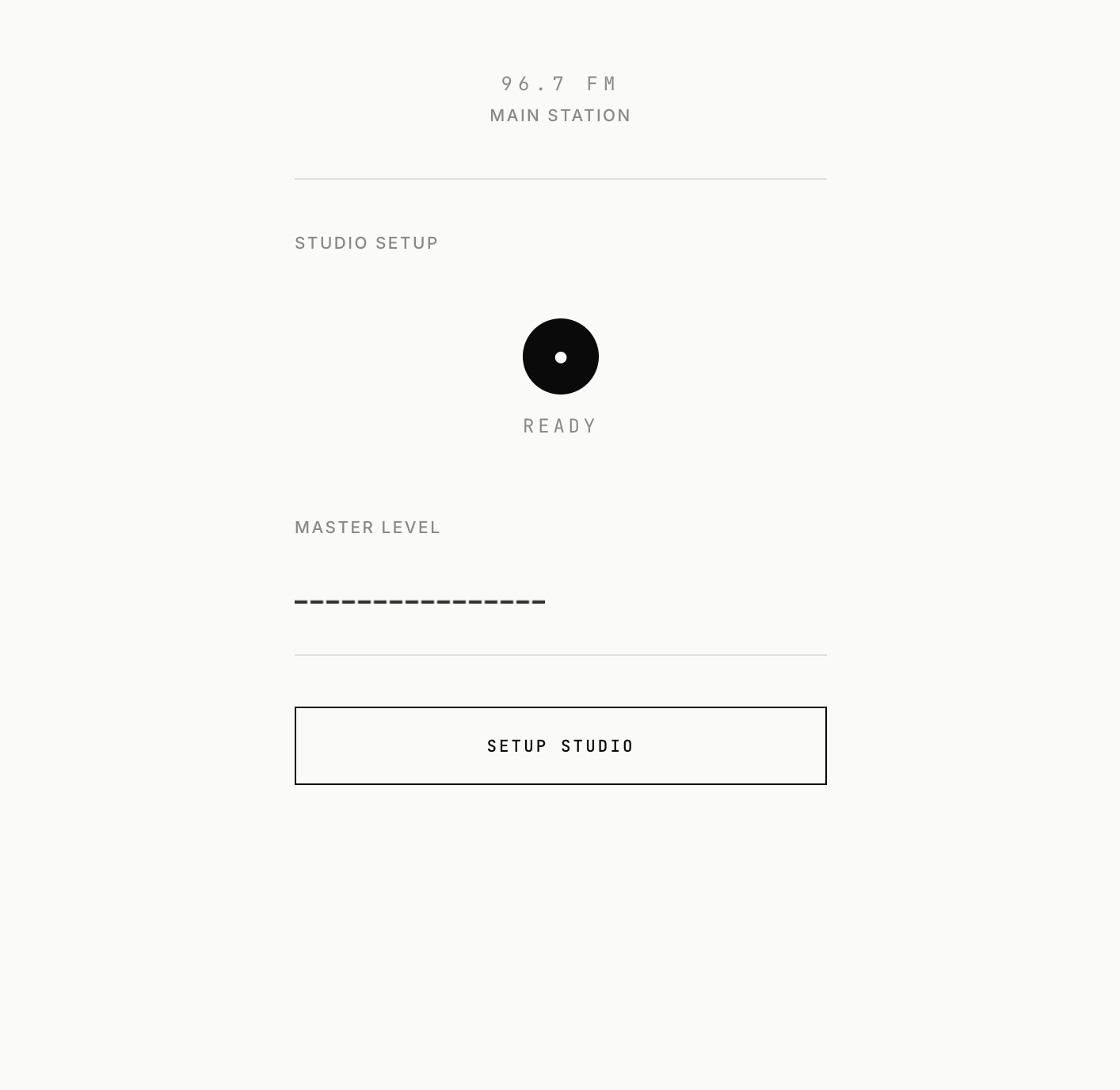
Your station starts OFF-AIR. Select Setup Studio to prepare your audio input.
STEP 05
Choose your audio
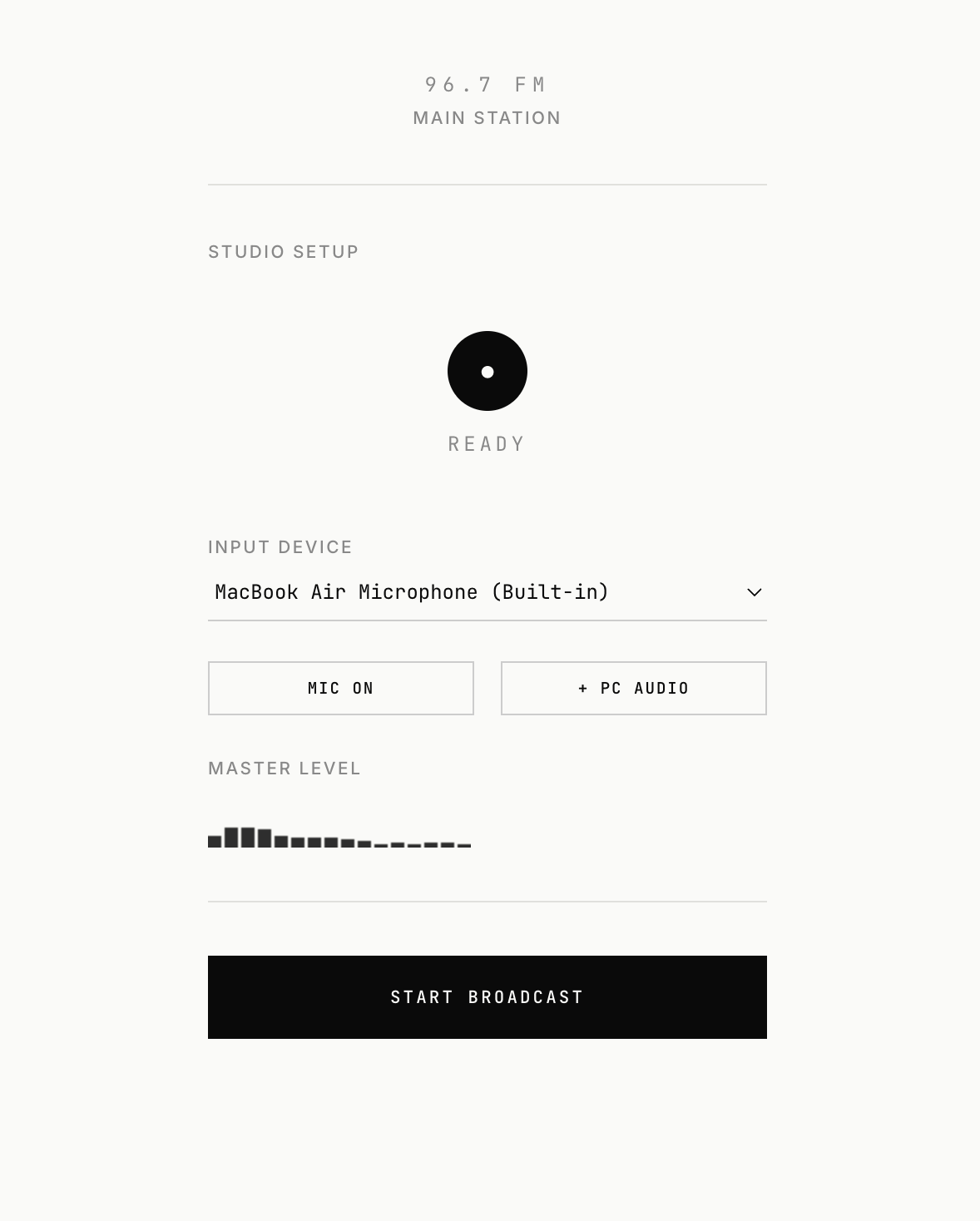
Use the Mic control to speak, or turn the mic off. Use + PC AUDIO to stream audio from your MacBook or laptop.
STEP 06
Go on air
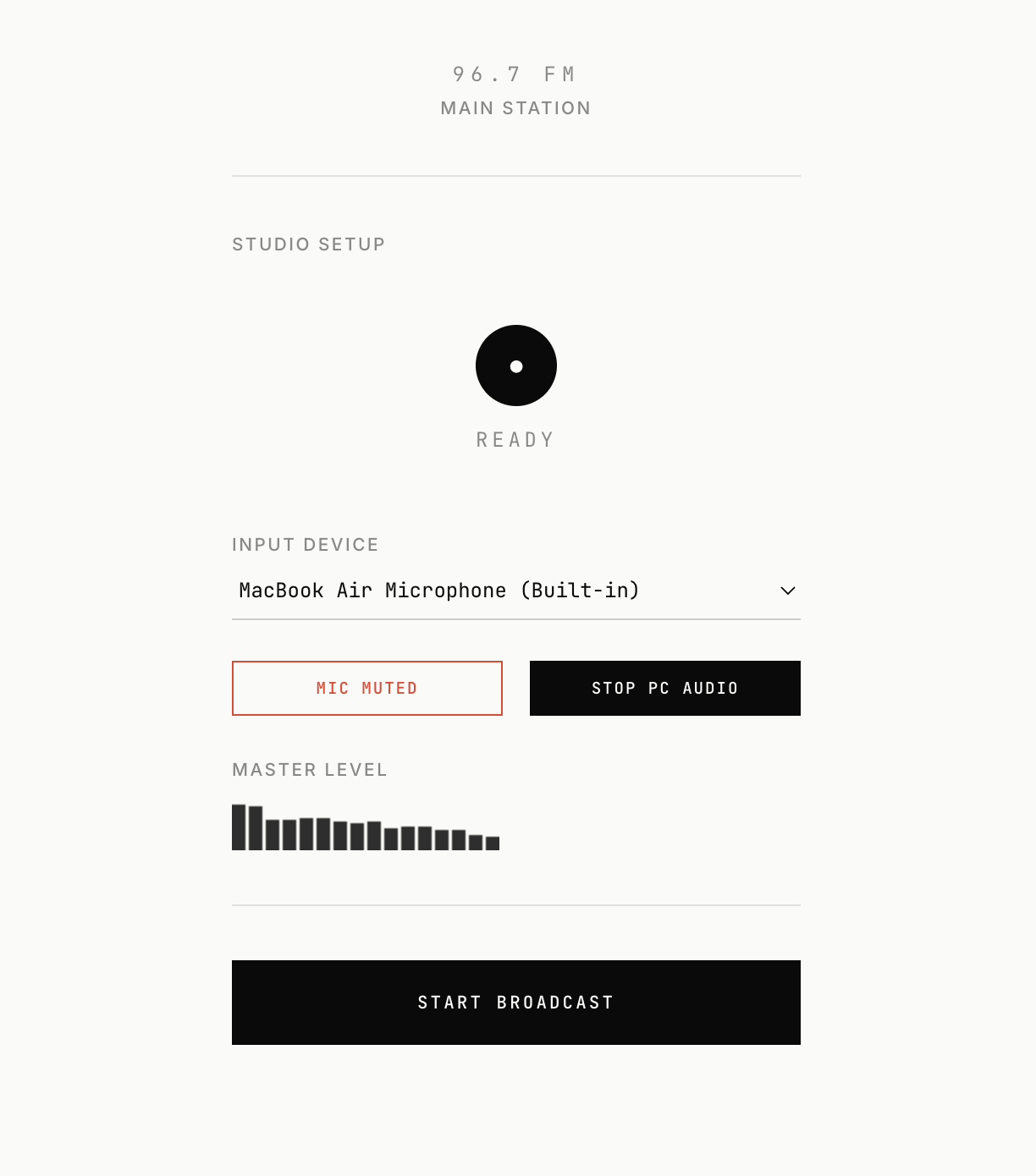
When your audio source is ready, select START BROADCASTING. Your station will switch ON-AIR.
STEP 07
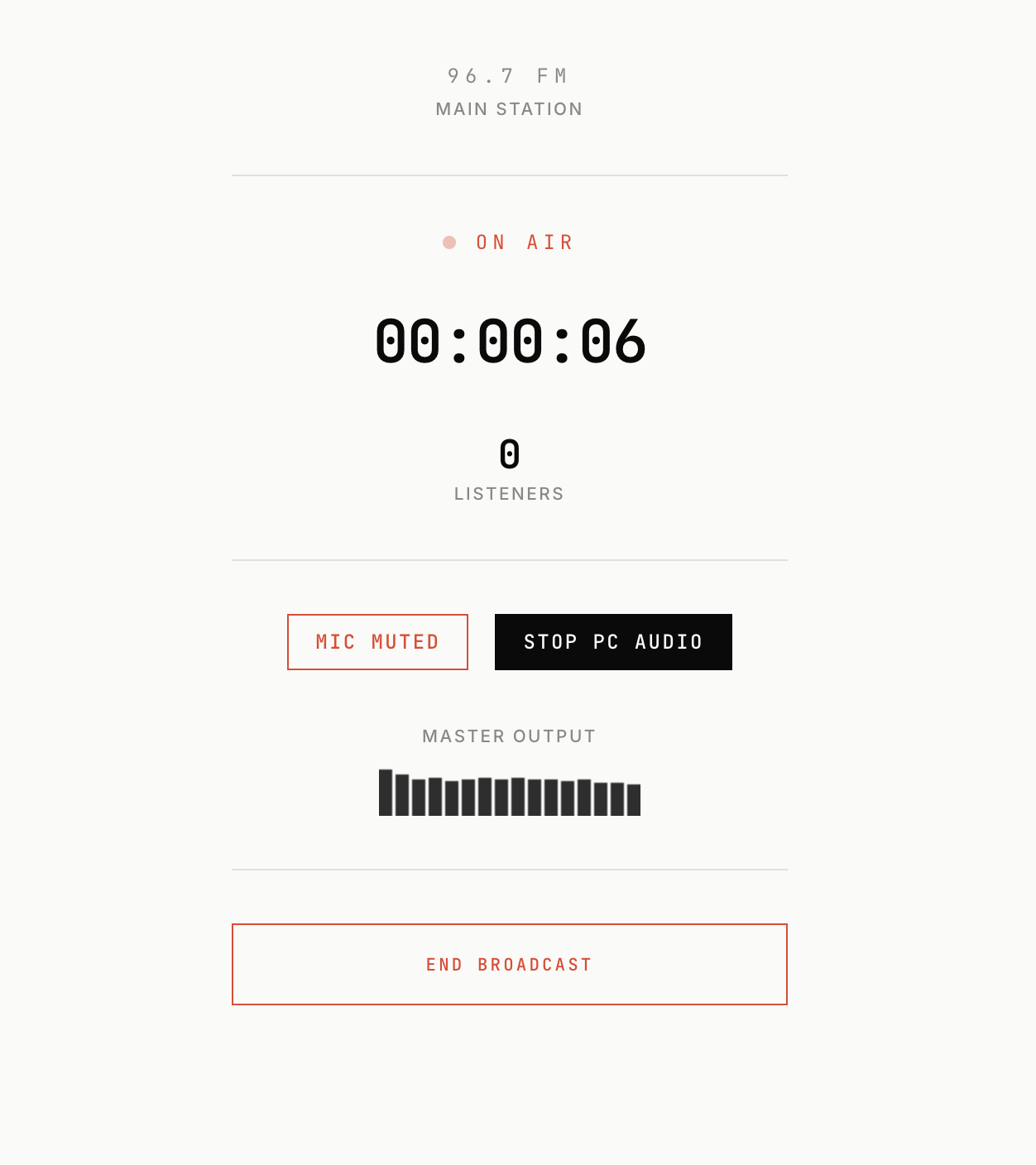
Broadcast live
This is your live streaming interface. Keep the studio open while you broadcast and tune in from any device.